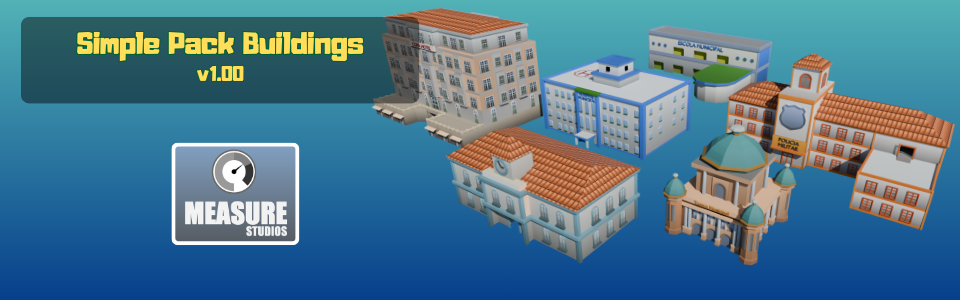
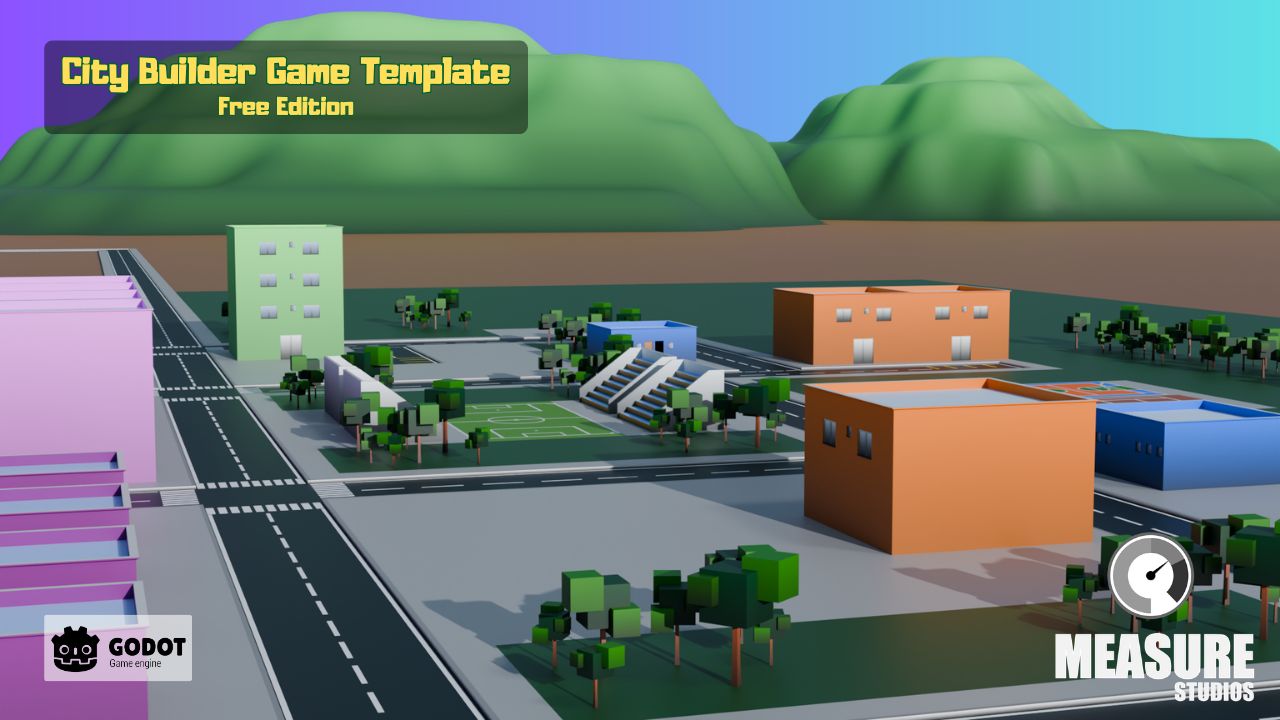
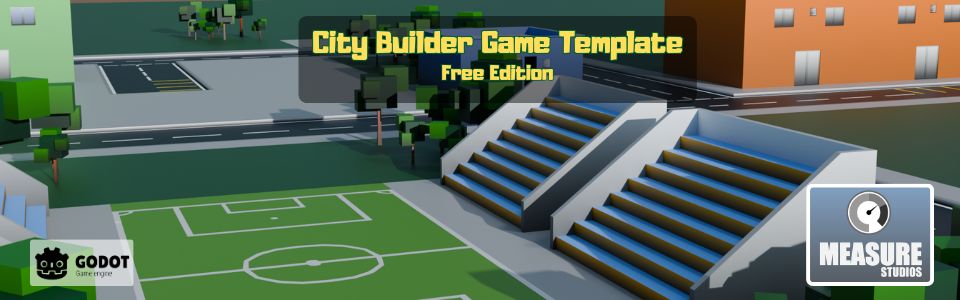
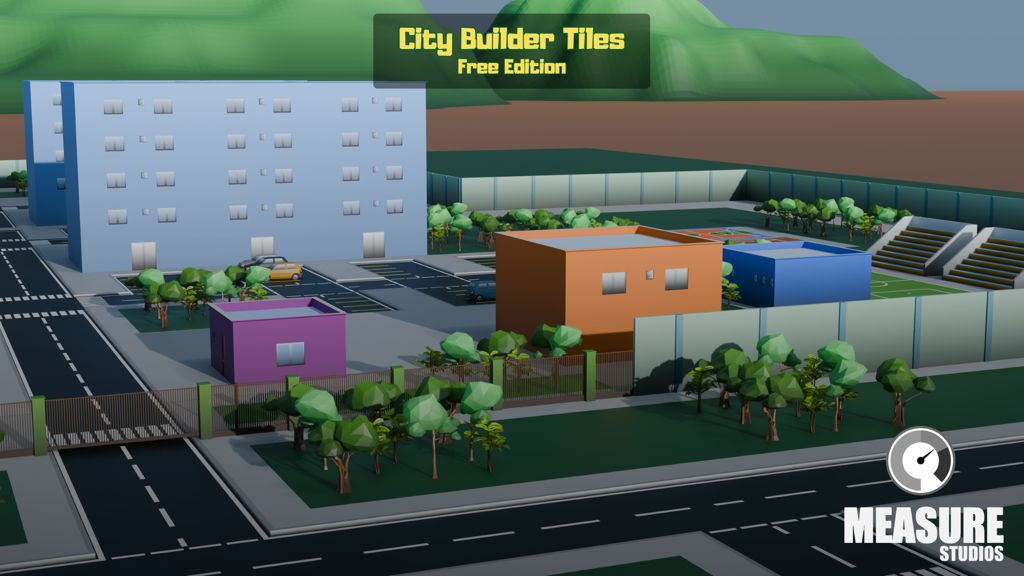
Is a series of 3D Models primarily built to be used with the City Builder Game Template as the models are stylished and scaled to reach the best visual for the game template package.
Packges Included
Simple Buildings
Somple Cars
Simple Facilities
Simple Grounds
Simple Houses
Simple Roads
Simple Textures
Simple Trees
Simple Facilities
Simple Cars
Simple Pack Buildings
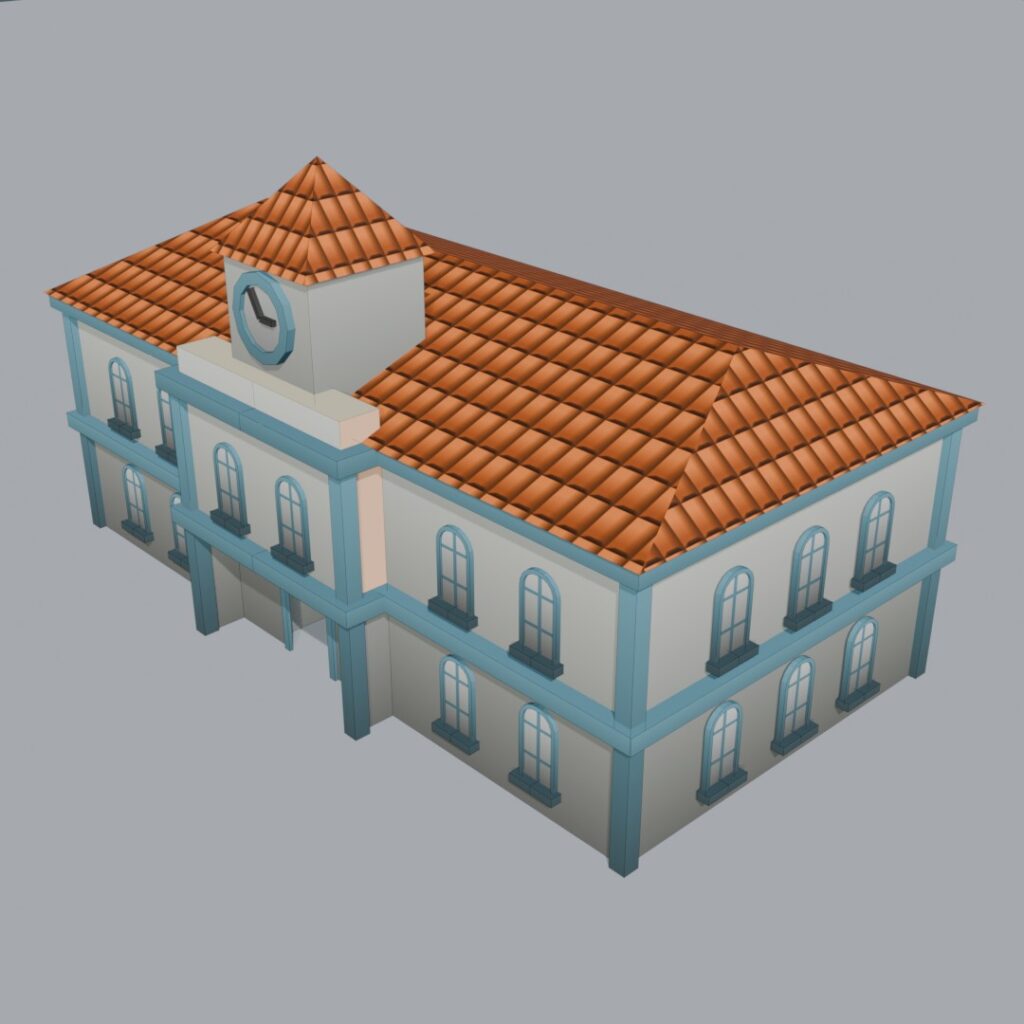
City Hall
2x Scaled 3D Model using two textures: simple universal base texture and tiled roof texture.
Hotel
2x Scaled 3D Model using two textures: simple universal base texture and tiled roof texture.
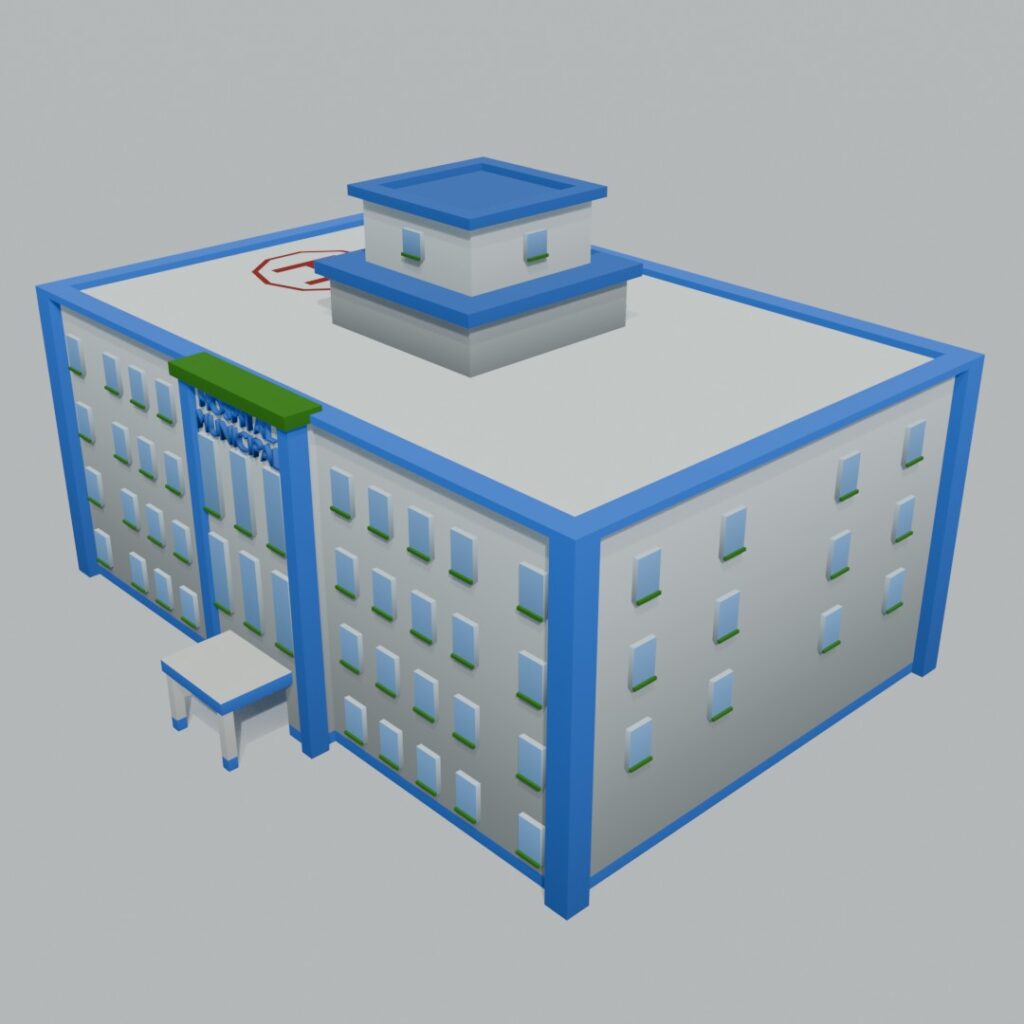
Municipal Hospital
1.6x Scaled 3D Model using two textures: simple universal base texture and tiled roof texture.
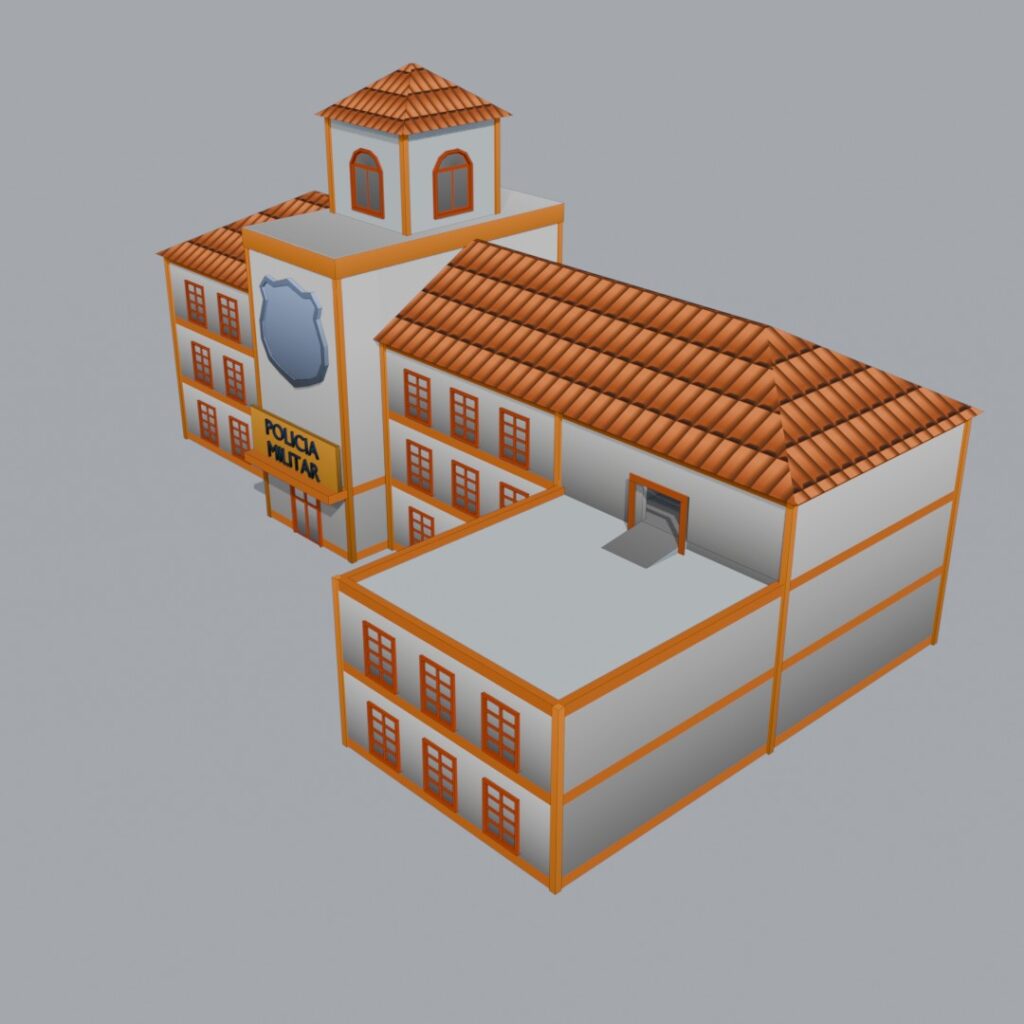
Military Police
1.6x Scaled 3D Model using two textures: simple universal base texture and tiled roof texture.
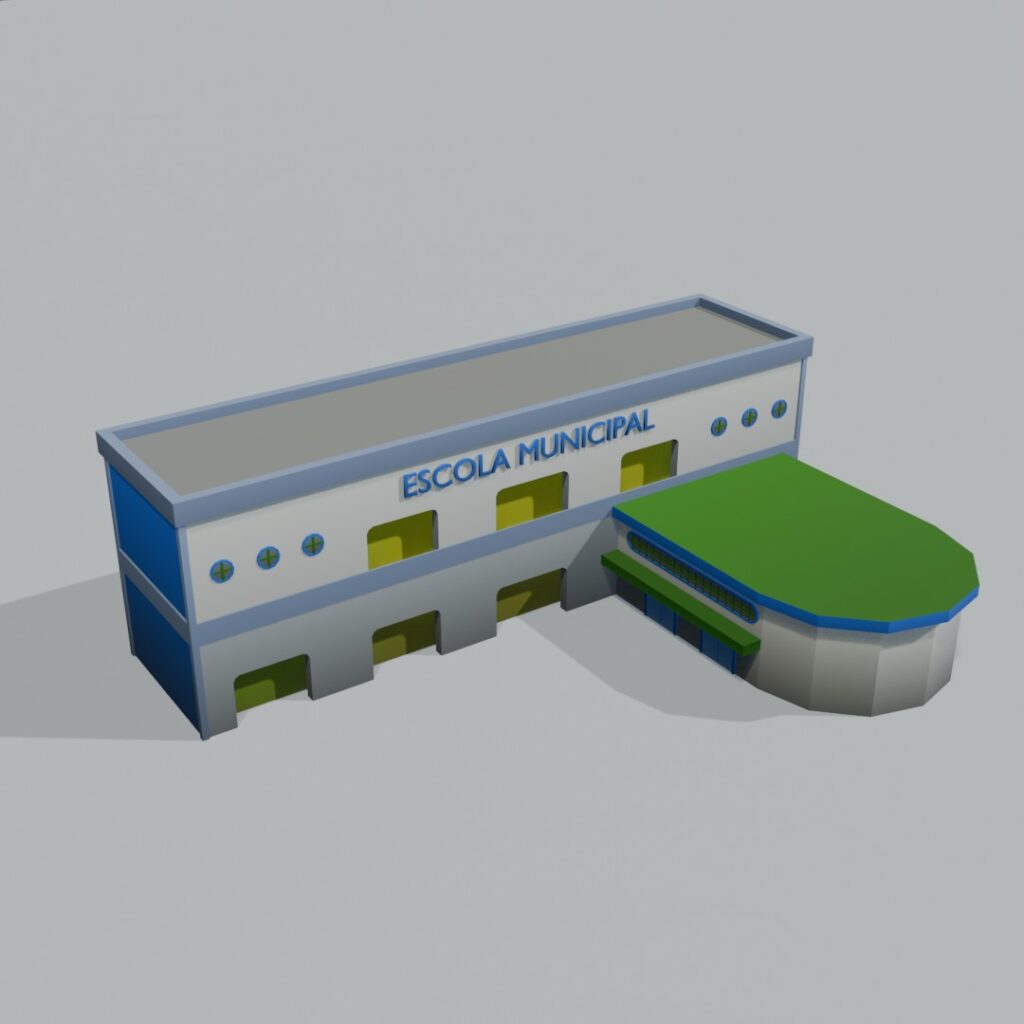
Municipal School
1.6x Scaled 3D Model using simple universal base texture.
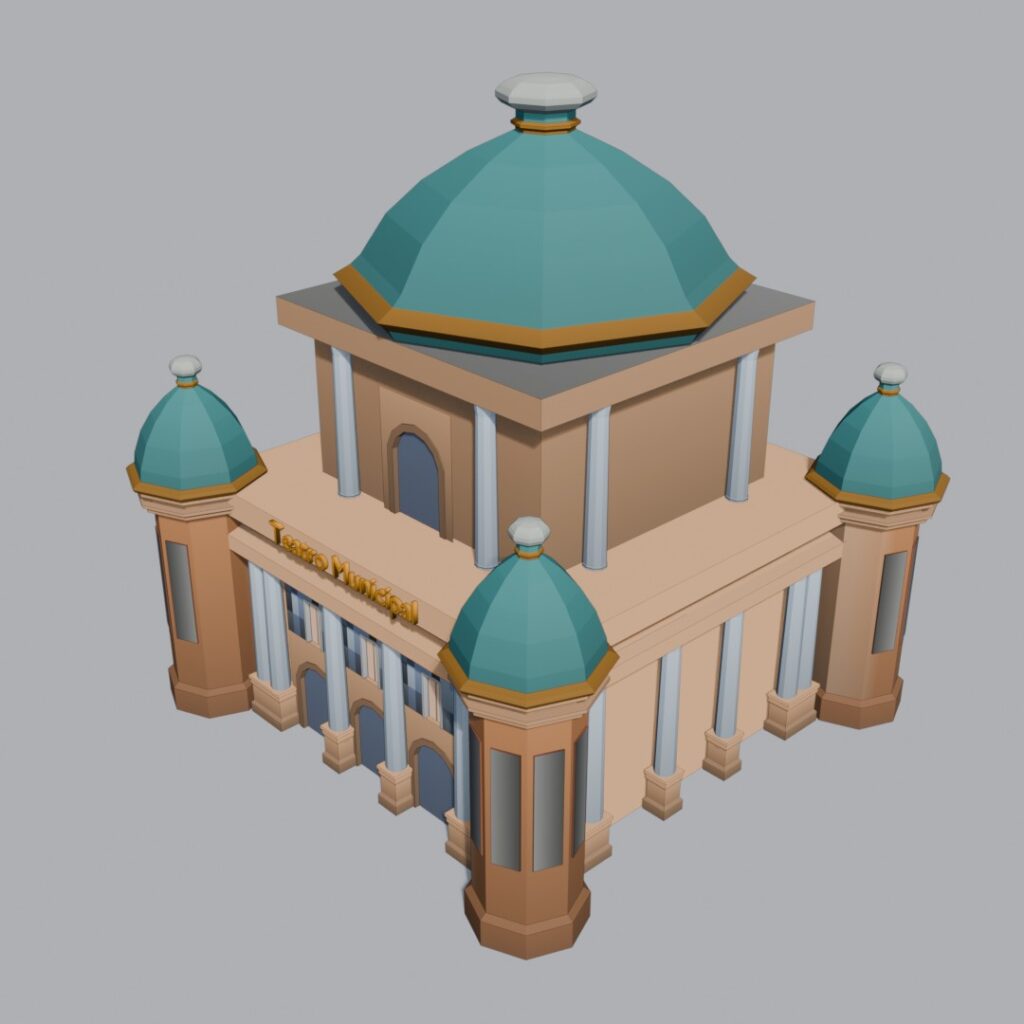
Municipal Theather
2.0x Scaled 3D Model using simple universal base texture.
Simple Pack Houses Vol. 1
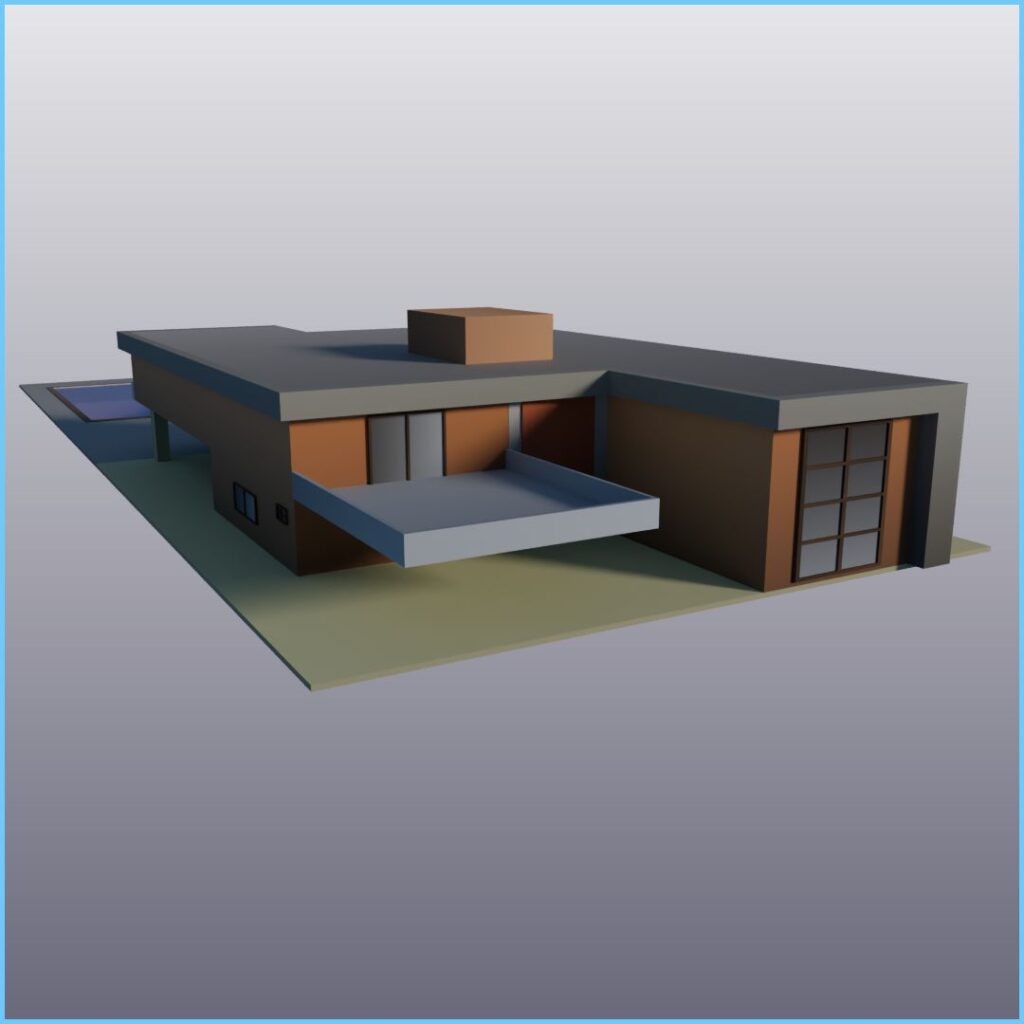
House 01A
1.0x Scaled 3D Model using simple universal base texture.
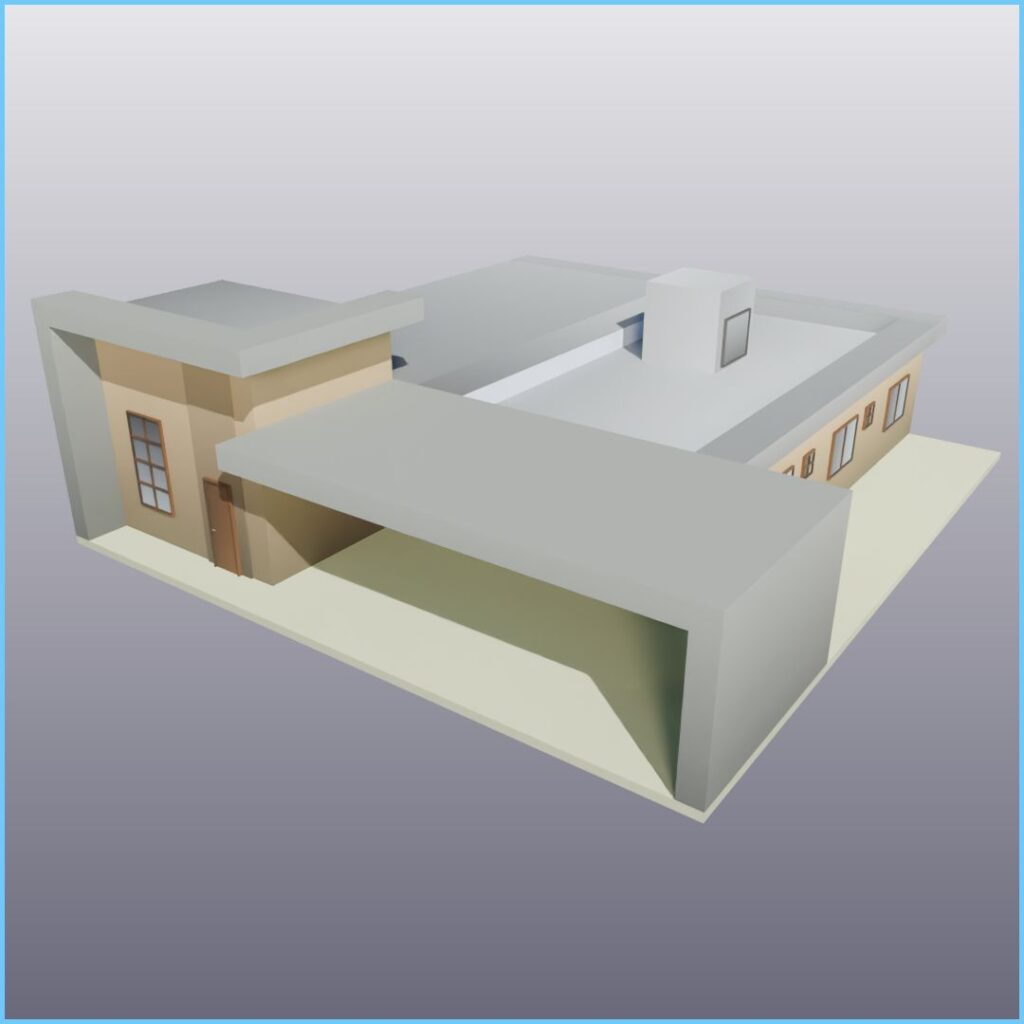
House 02A
1.0x Scaled 3D Model using simple universal base texture.
Build your own city-building game in Godot — faster than ever! This is a tiled driven city builder kit that gives you everything you need to kickstart your project, with clean, modular scripts and low-poly assets designed for performance and creativity.
🧱 15+ Low Poly 3D Tiled Scenes – Pre-built modular environments ready to drop into your project.
🛣️ Automatic Roads Builder – Effortlessly connect your city with an intelligent road generation system.
🗺️ Custom Gridmap Script – Flexible grid-based placement system for buildings, decorations, and terrain. ⚙️ Optimized for Godot Engine – Lightweight and easy to modify for both 3D and hybrid projects.
💼 Free for Personal & Commercial Use – Use it in any project, no strings attached.
🆓 No Attribution Required (CC0 Licensed) – 100% open and royalty-free.
🧩 Perfect For
Developers learning how to make city builders in Godot
Prototyping new ideas quickly
Creating low-poly simulation or strategy games
📦 Included Full Godot project folder
3D models and textures (low poly, tile-based)
Example scenes and scripts
Documentation and usage notes
🔗 License
This project is released under CC0 (Public Domain) — use it freely in any way you like, personal or commercial.
Start building your dream city today!
→ Download the City Builder Starter Kit and see what you can create with Godot 🚀
City Builder Game Template Free Edition
This kit is based on the Kaykit City Builder Starter Kit with some improvements.
Commands
BUILD: Left Mouse Button
DEMOLISH: Shift + Left Mouse Button
TOGGLE STRUCTURE: Control + Left Mouse Button or Control + Right Mouse Button