City Builder Game Template 0.6.0 alpha.01
The new 0.6.0 alpha.01 version of the City Builder Game Template is available now on Itch.io. A complete project for the Godot Engine.
This update brings a robust package of improvements focused on both the end-user experience and developer productivity, introducing advanced automation and completely redesigned interfaces.
Main Highlights of Version 0.6.0 alpha.01
Builder
The new Builder now works as a state machine. This makes operational control easier and simplifies the implementation of new features. The Builder states include the three basic construction modes: Mesh, Box, and Path. In addition, there are specific states for saving and loading maps, as well as demolition and navigation states.
The system was also designed to make things easier for the end user by automatically switching modes when a structure is selected. When a road is selected, the Path mode is automatically activated. When a floor structure is selected, the Box and Path modes become available. For multi-tile building structures, the Mesh mode is activated.
Mesh Mode
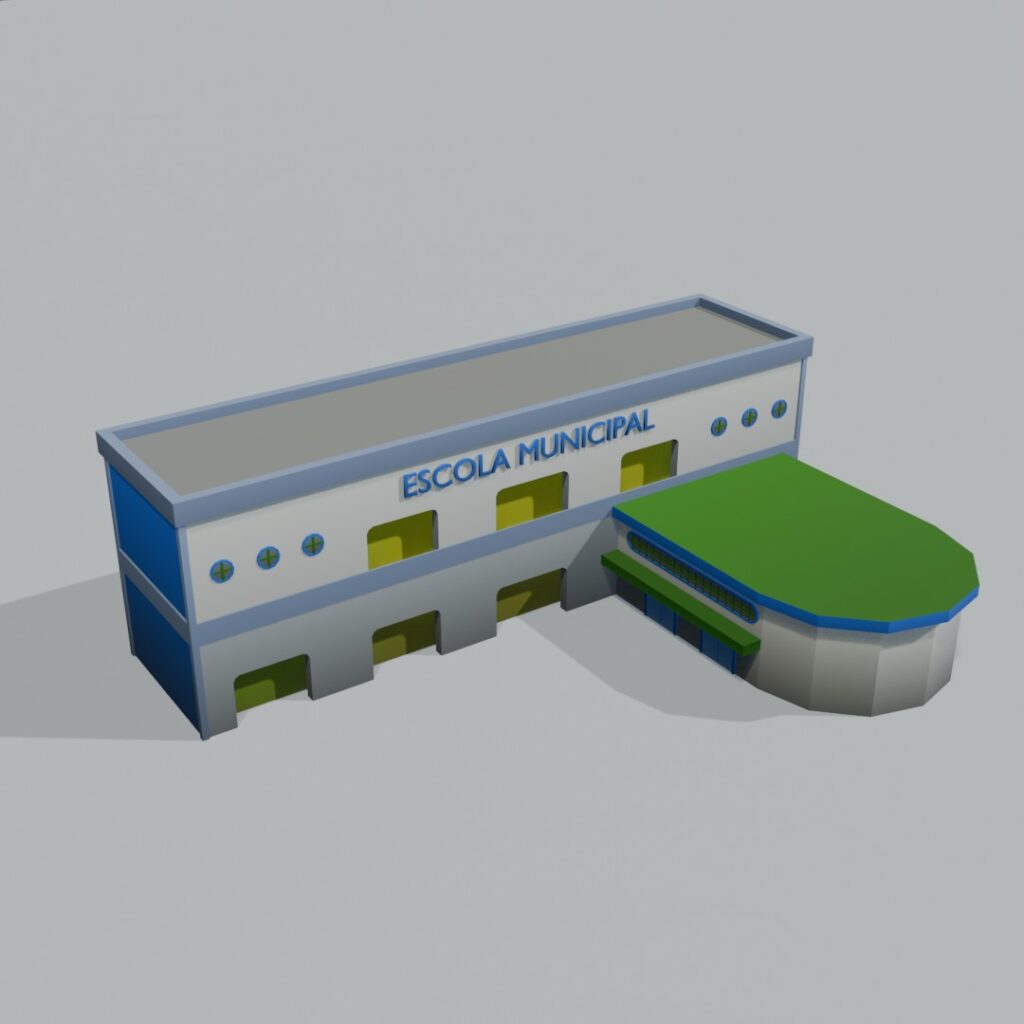
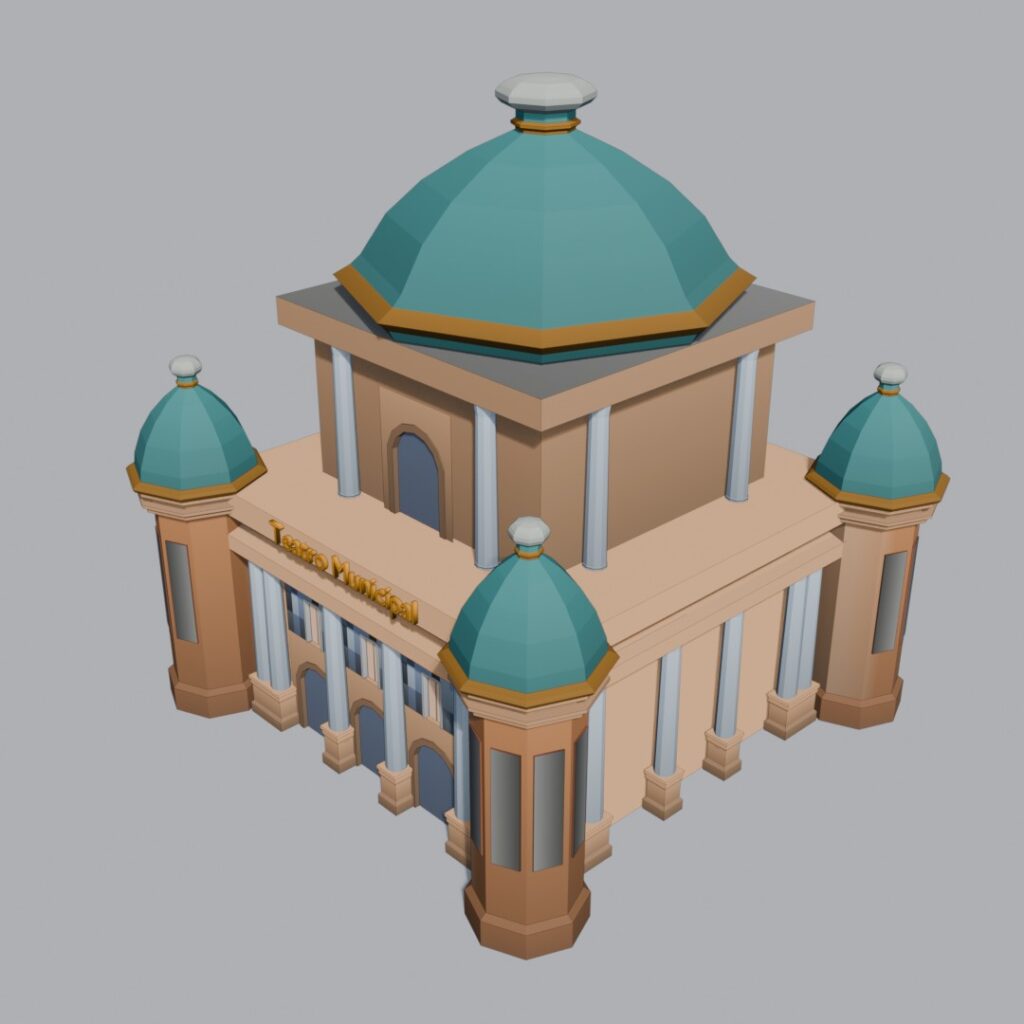
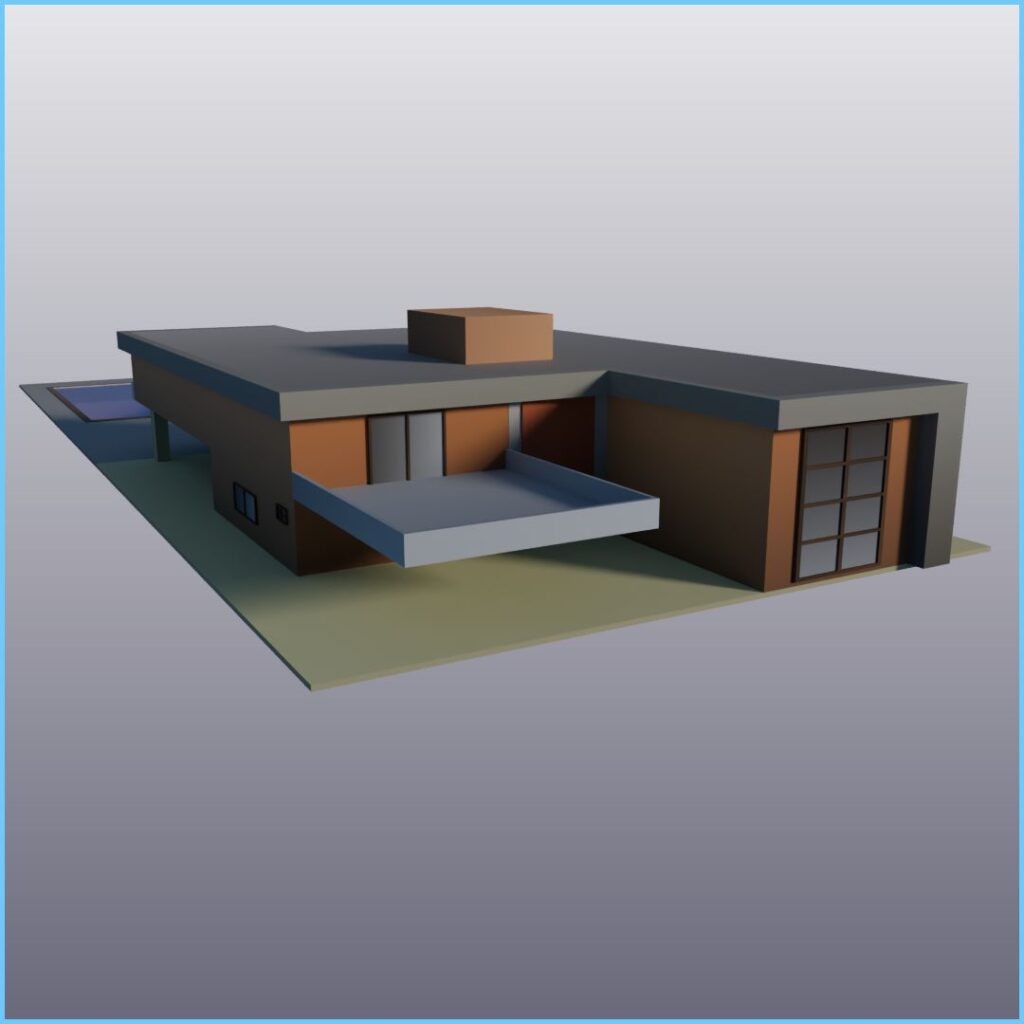
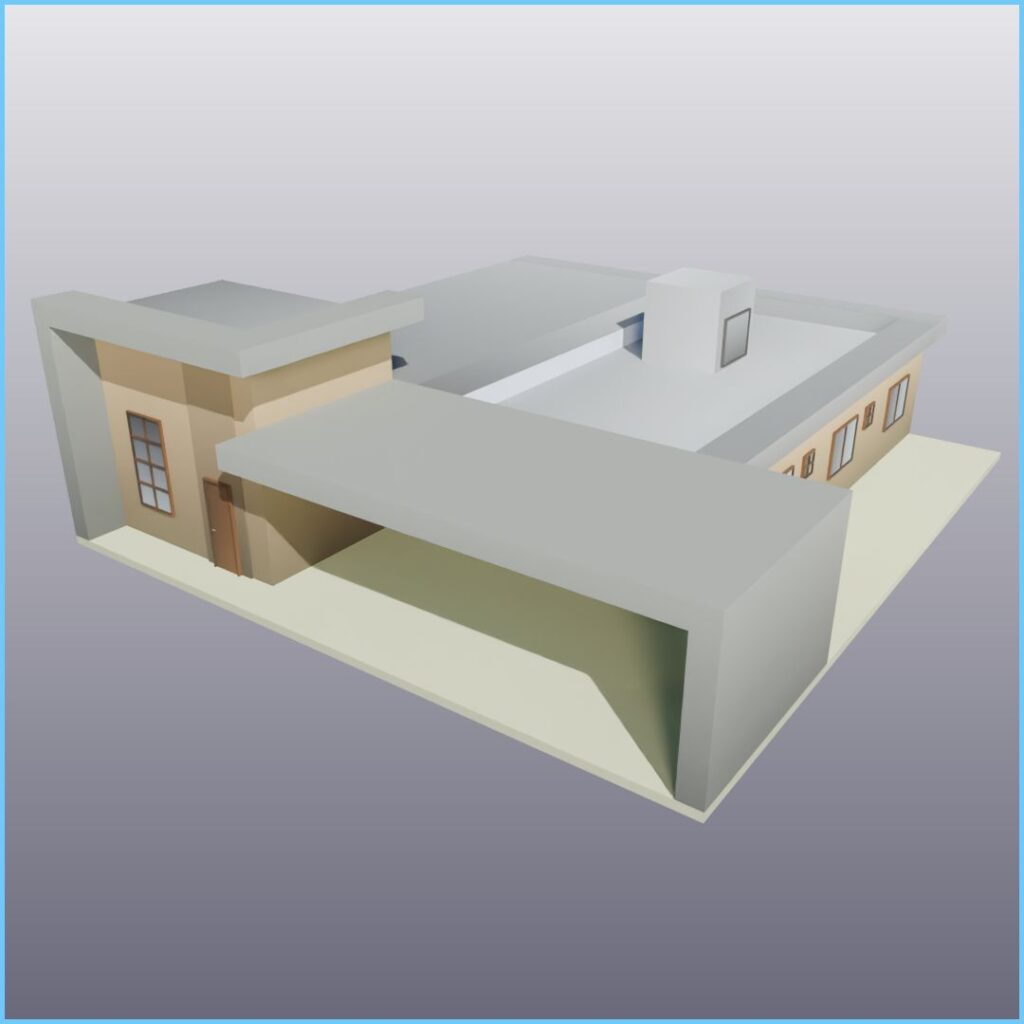
This mode is used for single structures such as houses and service buildings. It allows the construction of multi-tile mesh structures. Simply click on the map to place the structure.
Box Mode
The Box mode is primarily used for building floors and pavements. This mode makes it easier to place large floor areas by allowing the entire construction area to be selected at once. In addition to floors, structures such as houses and buildings with a 1 x 1 grid size can also use this construction mode.
Path Mode
Essential for creating roads, the Path mode allows you to draw paths between structures easily and quickly, without freezes or interruptions, thanks to an asynchronous construction system.
Selector
The Builder now features a new selector that indicates which grid positions allow the selected structure to be built. The selector uses specific mesh rendering for each construction mode.
To make it easier to define selection permissions, a new validator system has been created. These validators can be easily attached to the Builder modes.
Validators
The new validator system allows designers to easily define selection and construction permissions for the Builder. The system is based on custom resources that store selection conditions to be used at the appropriate time.
The system consists of three basic classes: Condition, Condition Validator, and ConditionContext.
Condition
This class makes it easy to define which conditions should be tested to determine whether a grid position can be selected. Permissions can be defined to allow construction on top of any other type of structure.
Condition Validator
This class is responsible for checking the conditions defined in its lists and returning a boolean value that determines whether the operation is allowed.
It works with two combined condition lists: the any list tests its conditions and returns true if any condition is true (OR logic). The all list uses AND logic and returns true only if all conditions are true.
ConditionContext
This class is responsible for updating the data context used by the conditions to determine permissions. It must be updated before each condition test begins.
New Graphical Menus
No more memorizing keyboard shortcuts for Builder commands. The new version introduces a menu system that provides complete control over Builder functions through a simple and easy-to-use graphical interface.
At the top of the screen, you will find general instructions for saving and loading maps, a button to open the structure menu, and the City Generator button, which activates the new tool available in this version.
At the bottom of the screen, the Builder Menu makes it easy to select structure categories and structures within those categories, all automatically. The Builder Menu automatically updates its categories and structures based on the Structure Library.
Main Menu
Provides the main Builder commands.
Builder Menu
Organizes structures into categories and displays their icons for easy selection. It automatically updates according to the Structure Library.
Structure Library
The new Structure Library now includes commands to automatically update structure resources, making project data configuration and management easier.
The Structure Library commands allow you to manually create new structures, update structure indices, and perform a complete reset.
Road Builder
The Road Builder is responsible for laying out the road path and automatically correcting the tiles. To prevent screen stutter, it now operates asynchronously, replacing tiles in the background while allowing the player to continue interacting with the game.
Structure Generator
One of the major new features of the City Builder Game Template for the Godot Engine is the Structure Generator.
The Structure Library is made up of several custom resource files representing each structure available in the Builder Menu. Creating these files manually would require a significant amount of time and effort.
In addition to the features mentioned above, the new Builder Menu includes structure icons. These icons are stored in a dedicated folder that the menu accesses whenever it needs to display them.
Now imagine having to manually create dozens or even hundreds of structures in a project, each with its own configuration file and icon. For every structure, you would also need to define basic data such as its name, size, construction modes, and more.
This is where tools become essential.
The Structure Generator solves this problem in a simple way, significantly speeding up project configuration.
The Structure Generator automatically creates the data files and icons for each structure based on the contents of the models directory. Simply add model files to the directory and run the Structure Generator.
The custom resource files will be automatically created and populated according to a set of predefined rules. All structure icons will also be generated automatically.
Once the data has been generated, simply update the Structure Library, and the structures will become available in the Builder Menu.
City Generator
Another great addition to the City Builder Game Template for the Godot Engine is the City Generator.
Some projects may require a starting base or terrain where the player can build the city. The City Generator is responsible for this task.
It creates new terrain using predefined tiles, making it easier to prepare the initial gameplay environment.
The City Generator also provides several configuration options that allow you to adjust different aspects of terrain generation.
Free Project
The complete City Builder Game Template v0.6 project available on Itch.io.
The project comes with a broad license, allowing it to be used for both personal and commercial purposes without restrictions.